If you can scroll it, you can save it.
Turn any scrolling screen into a clean text file — right on your phone.
Join the waiting list
We’ll email you once — when ScrollRSI is on Google Play. Nothing else. To remove your address, write to saidi@kubeai.info.
The problem
Long threads don’t come with an export button.
1. Copying a day-long chat means select, copy, scroll, repeat — one chunk at a time.
2. Most apps can’t hand you a thread, a feed or a comment section as a file.
3. And what you don’t save can be edited, archived — or simply gone.
How it works
From thread to text file, in three steps.
Tap the bubble.
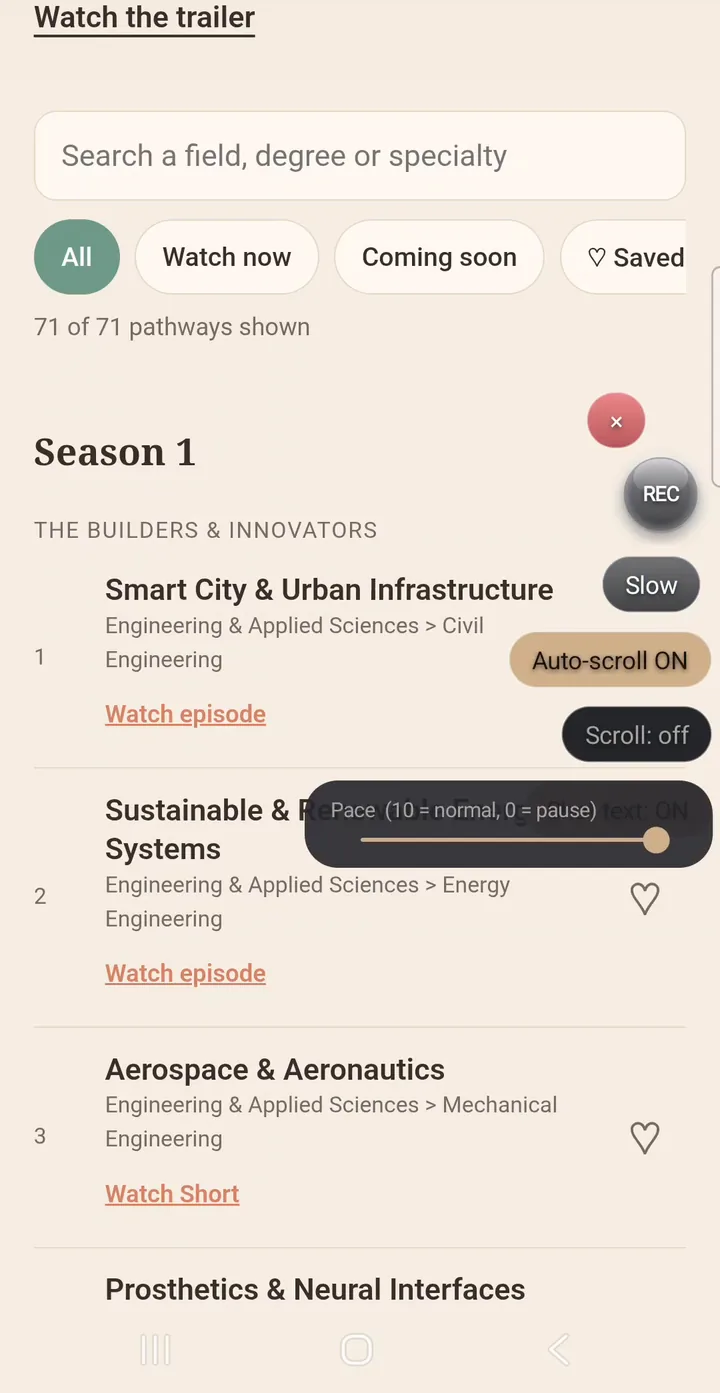
Start recording from the floating bubble, inside the app you’re reading. Scroll yourself, or let auto-scroll carry it to the end.
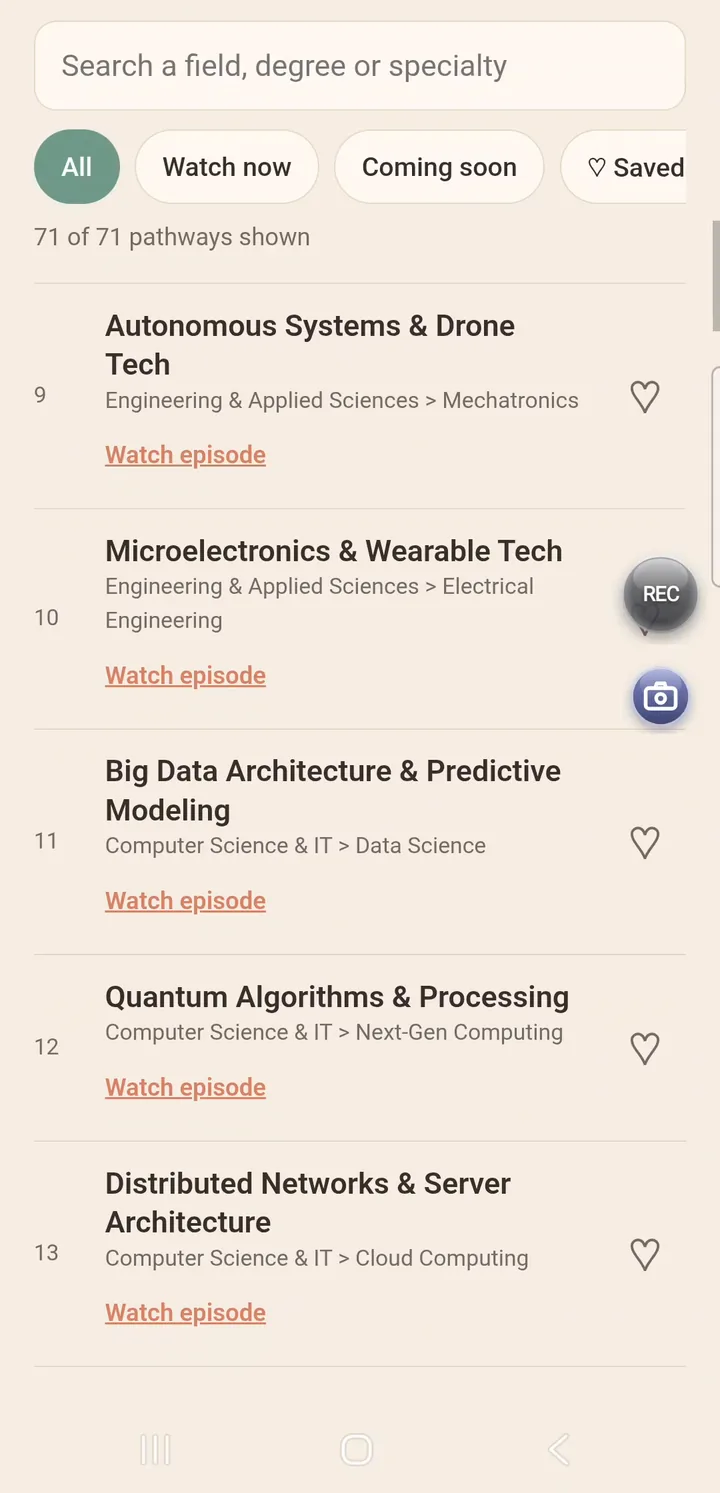
It reads on your phone.
ScrollRSI reads the recording on the device, drops the repeats and stitches the lines in order. Nothing is uploaded.
Keep it. Share it.
You get a .txt file — the recording beside it — in Download/ScrollRSI. Attach it to any chat or app you like.
Made for long AI threads
One-tap thread sharing between apps.
Spent a day working something out with one AI? Carry the whole conversation to another as a single small text file — Grok, Gemini, ChatGPT, Claude, or anything that takes an attachment. One tap starts it; auto-scroll takes it from there, even through a year-long thread.
What you get
Everything stays a file you own.
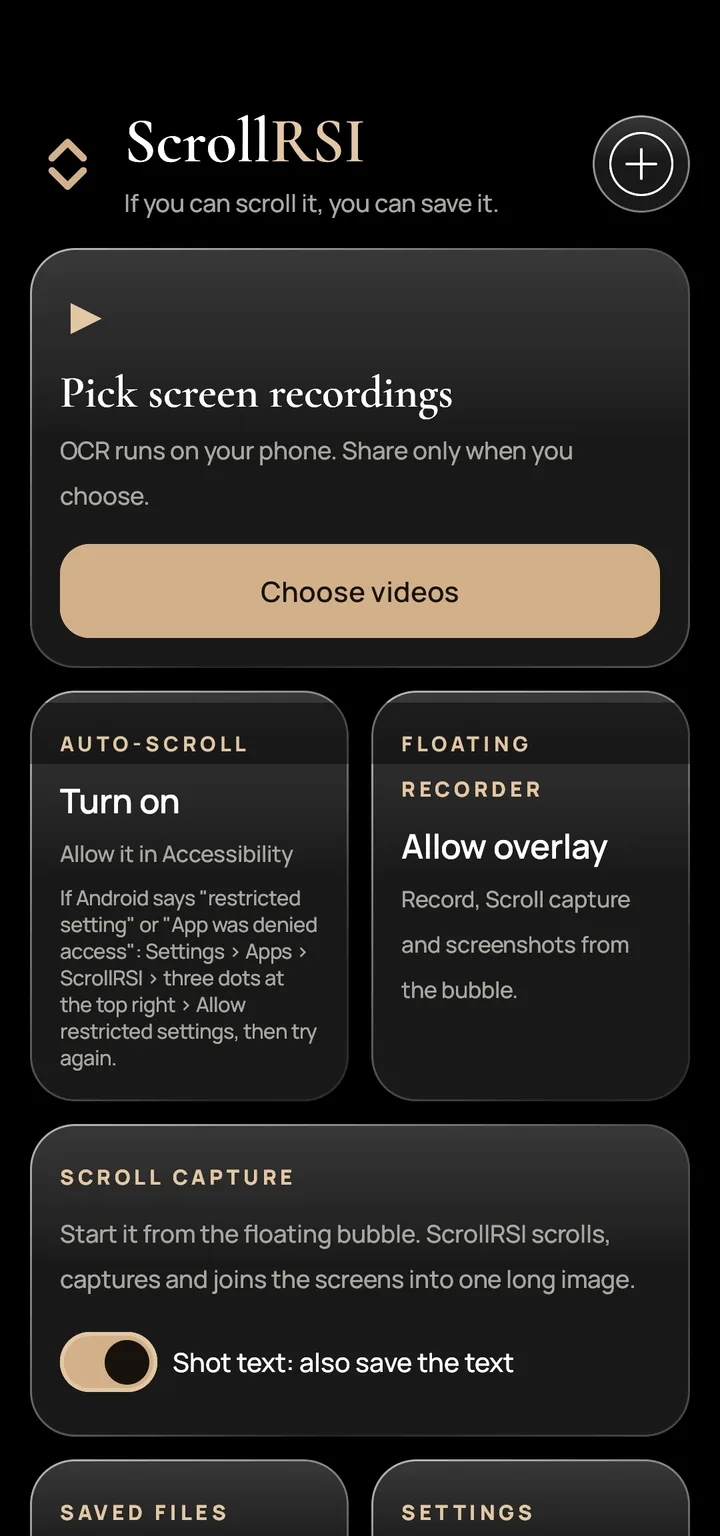
One long image, the text saved too.
ScrollRSI scrolls the page, captures each screen and joins them into a single tall screenshot — with its text beside it.
Screen-record a scroll, get a clean .txt.
Already have recordings? Pick them and convert.
Start, pause and stop in place.
Without leaving the app you’re in. No switching back and forth.
It scrolls for you.
Allow it once in Accessibility. ScrollRSI scrolls the page and stops at the bottom by itself.
Text and media land in Download/ScrollRSI.
They open in your phone’s own Files app.
An ordinary attachment.
Send the .txt to a chatbot, a notes app or a colleague.
Private by design
Nothing to upload, because nothing leaves the phone.
On-device OCR
Reading happens on your phone.
No internet permission
The app can’t send anything.
No accounts
Nothing to sign up for.
No ads, no subscription
Pay once, keep it.
Clear about permissions: auto-scroll uses Accessibility only to swipe the page and take the screenshots for a capture you start. The app says exactly that before you switch it on. Files are shared only when you choose.
Requirements & availability
The short version.
| Platform | Android 11 or newer |
| Price | US$2.99, one-time purchase |
| Availability | Coming soon to Google Play |
| Where files go | Download/ScrollRSI on your phone |
| Good to know | Very small or dense text, and tables, can come out imperfect — that’s the nature of OCR. |
Saved. Every line, once.
Be the first to know when ScrollRSI is on Google Play.
Join the waiting list
We’ll email you once — when ScrollRSI is on Google Play. Nothing else. To remove your address, write to saidi@kubeai.info.